

UX audit examples
See what a UX audit actually finds — real teardowns of real products, written in the same problem-by-problem format your own report would use. Delivered as a PDF report and walked through on a 30-minute call, no obligation.
Book your free UX auditWhat a UX audit report actually contains
A defined scope
Every report opens with what was actually reviewed and against what goal — a specific set of pages or screens, not a vague 'the whole product' — so you know exactly what the findings do and don't cover.
One finding at a time
Each problem gets its own page: what's wrong, why it matters, an annotated screenshot showing exactly where it happens, and the fix we'd recommend — never a single wall-of-text list.
Business impact, not just usability language
Every finding ties back to something concrete — a step people abandon, a question that generates support tickets, a control nobody can find — instead of a severity rating with no explanation of what it costs you.
Delivered as one PDF
Everything lands in a single PDF, not a slideshow you need us to walk you through — every finding follows the same problem, why-it-matters, fix structure, whether a report has a couple of findings or a dozen.
A commissioned audit follows this same shape end to end, just applied to your product instead of a public one we picked ourselves. It’s built to stand on its own: the report makes sense without us in the room.
What these examples are — and aren't
These are short, self-directed teardowns. Our own team picked a handful of publicly available products and flagged the most visible problems we could spot without an account team, analytics access, or a briefing — usually a small handful of issues in the first few screens, not a full inventory of everything that could be improved. We weren't hired to write any of these, and none of them are our clients.
A commissioned audit goes further: it's scoped to the goals and flows you actually care about, not just what's visible to an outside visitor, and it covers as much of your product as matters to you rather than stopping at a handful of headline issues. Treat this collection as a sample of how we look at a product, not a preview of what we'd hand you.
Browse examples
Mobile app
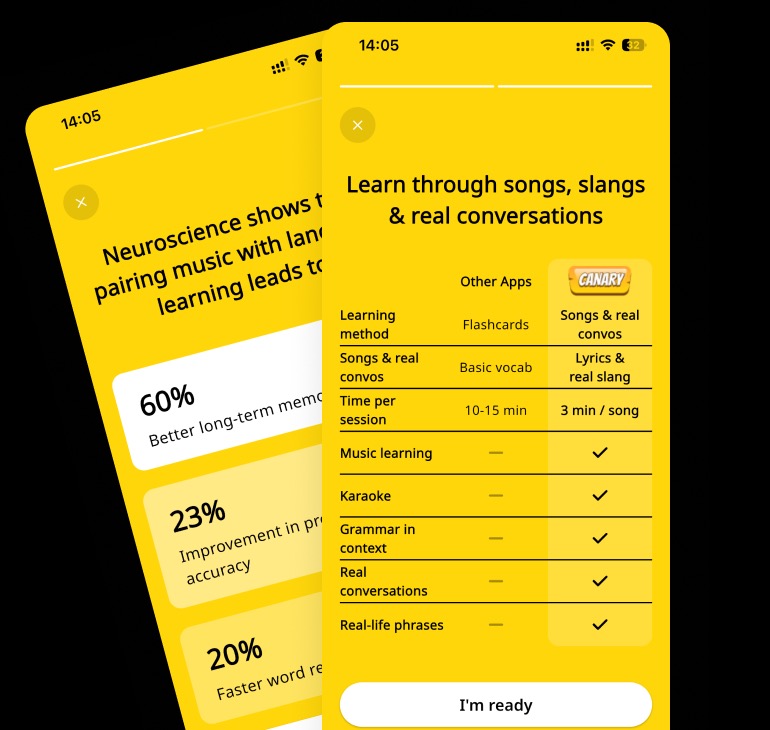 Mobile app
Canary UX Audit: A Long Onboarding Before Any Value
Canary
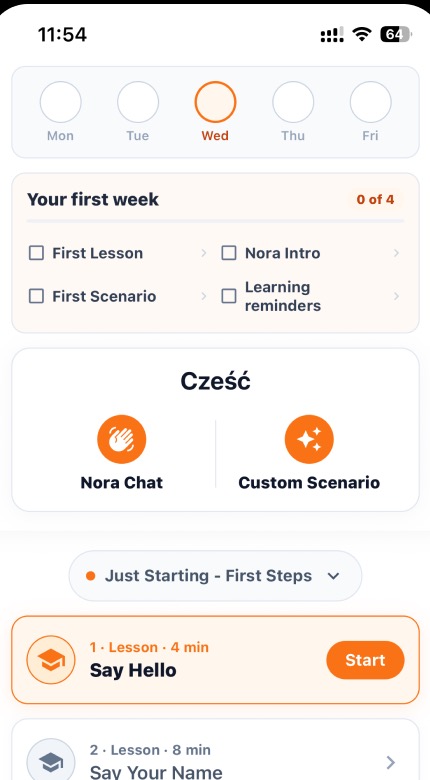 Mobile app
ChatPal UX Audit: No Guidance at the Moments That Matter
ChatPal
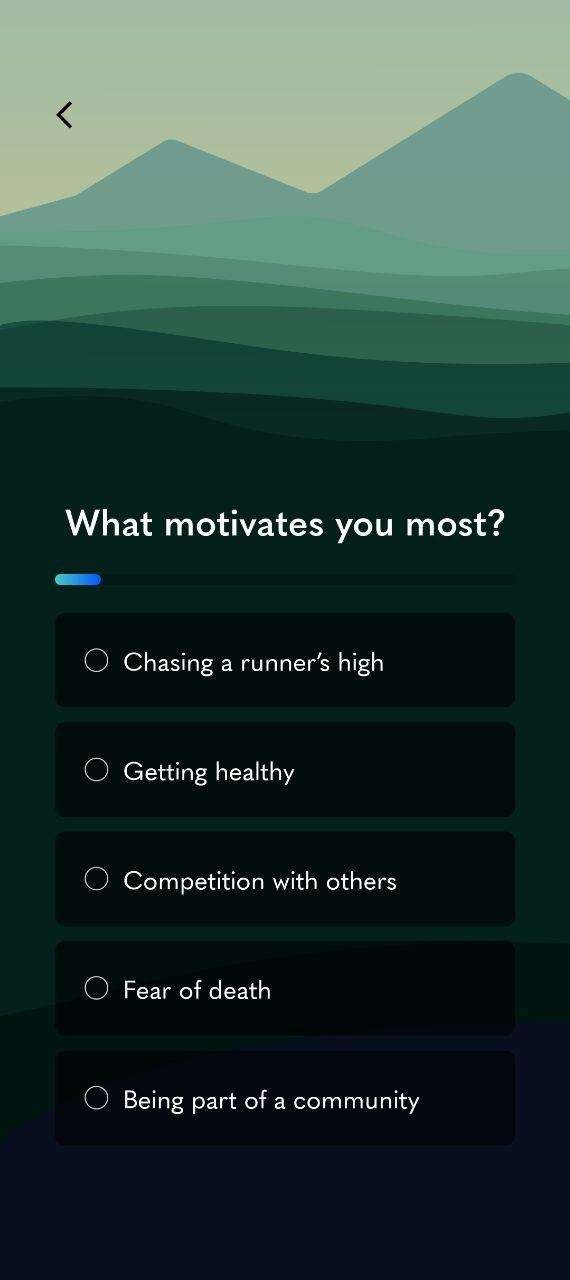 Mobile app
Kaizen UX Audit: Generic Visuals and a Hard Integration Wall
Kaizen
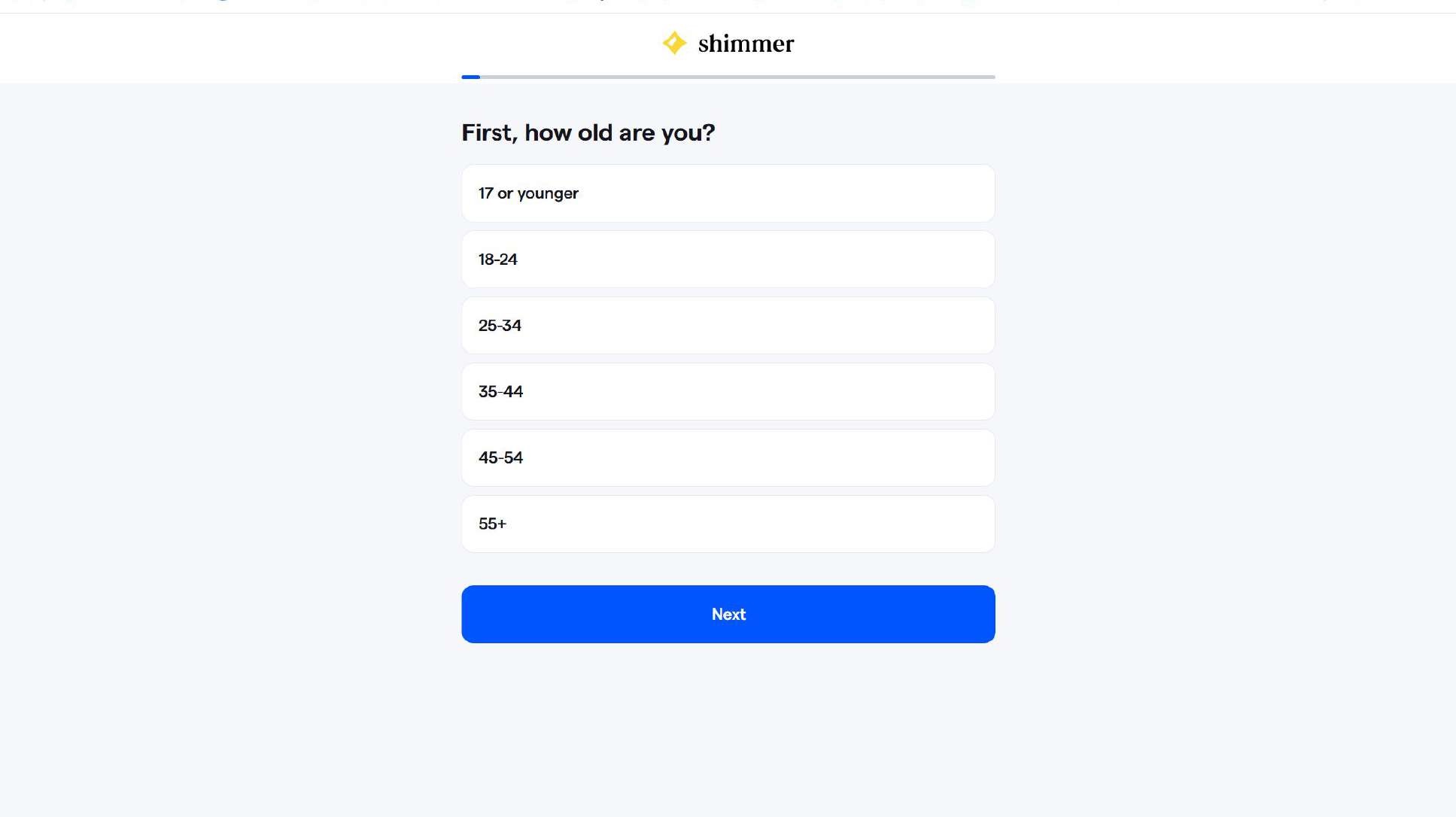 Mobile app
Shimmer UX Audit: Sensitive Questions Asked Before Trust
Shimmer
 Mobile app
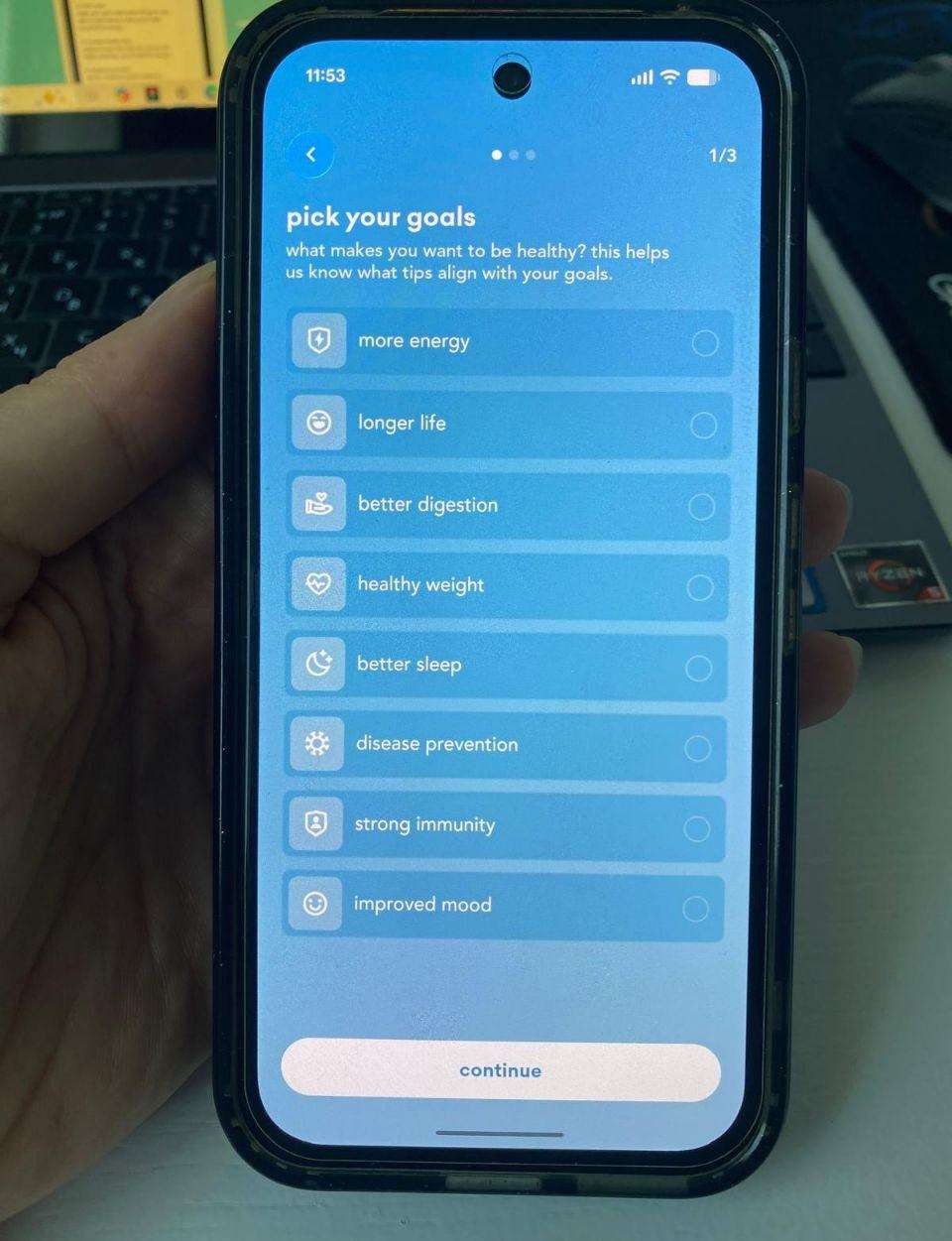
Simply UX Audit: A Paywall Before Any Personalized Value
Simply
 Mobile app
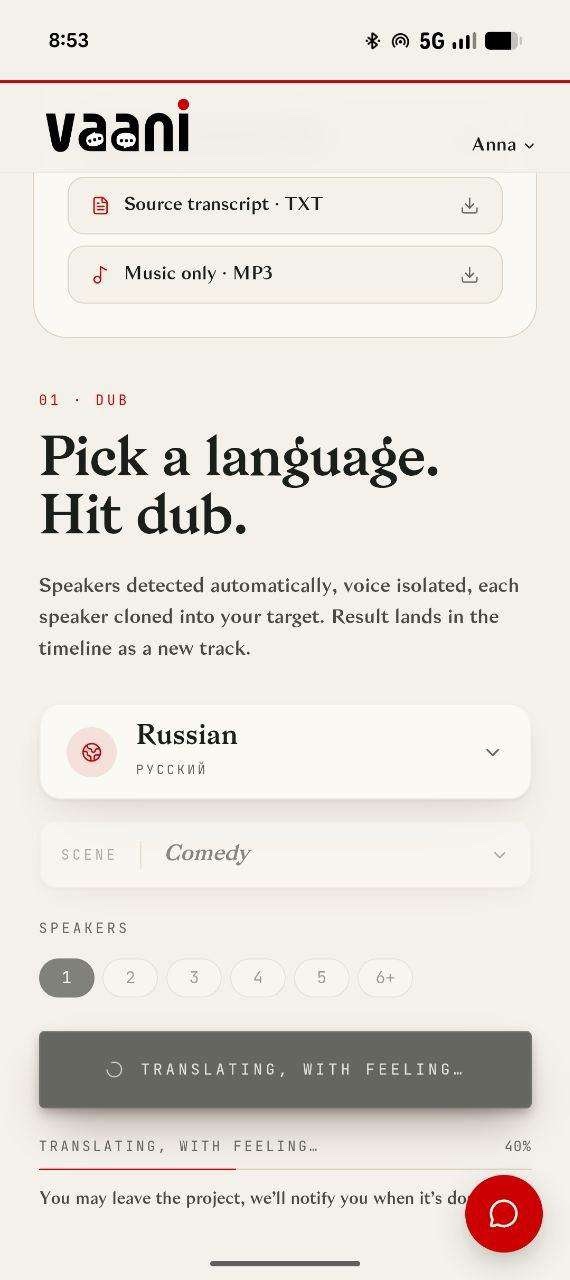
Vaani UX Audit: Cost and Locks With No Explanation
Vaani
SaaS (web)
 SaaS (web)
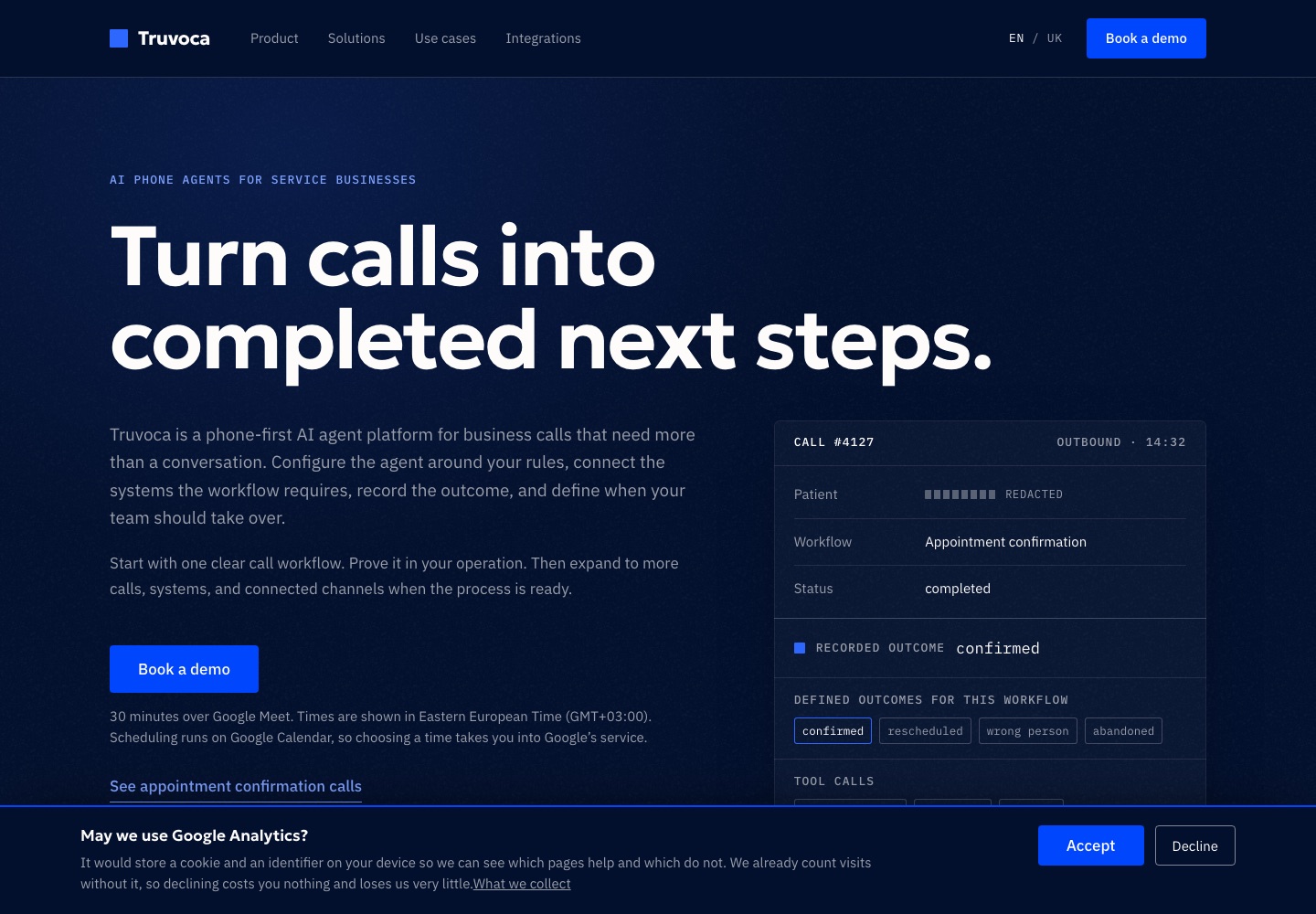
Truvoca UX Audit: Clear Proof, Unclear Product Readiness
Truvoca
 SaaS (web)
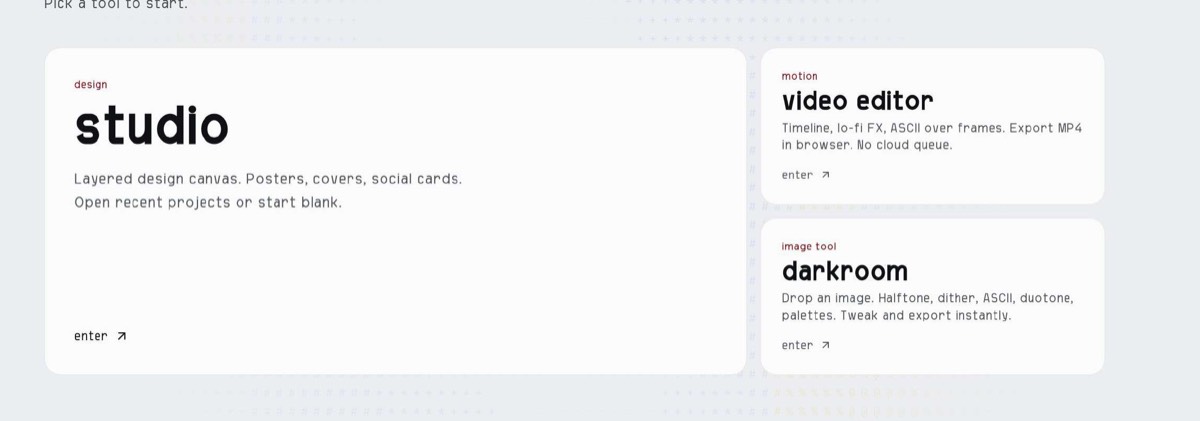
Bitgrain UX Audit: No Cloud Save, Tiny Template Previews
Bitgrain
 SaaS (web)
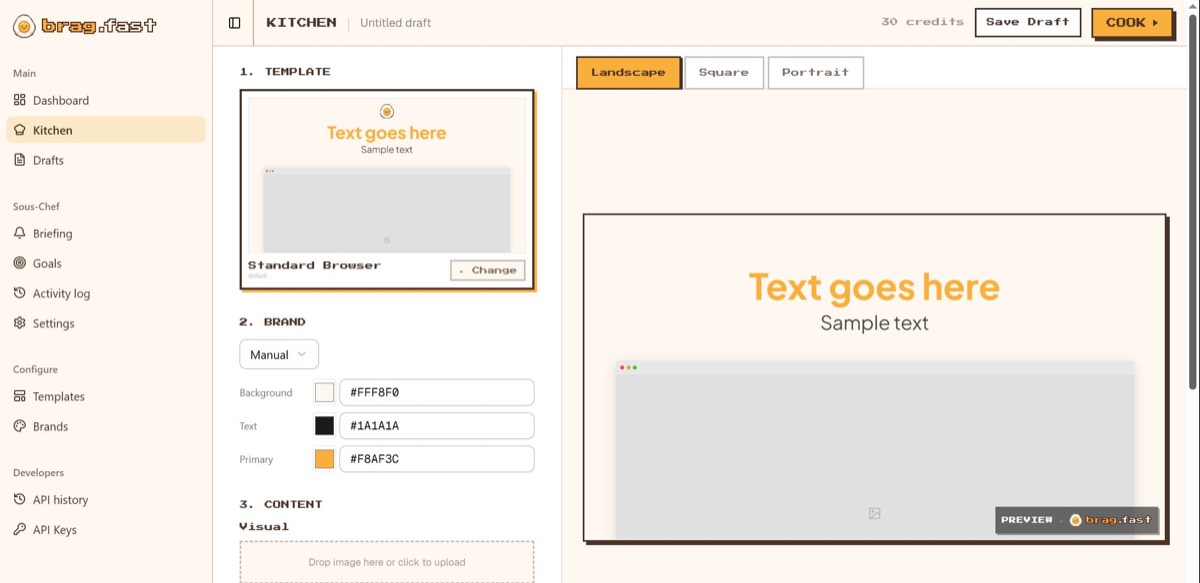
brag.fast UX Audit: A Metaphor New Users Can't Decode
brag.fast
 SaaS (web)
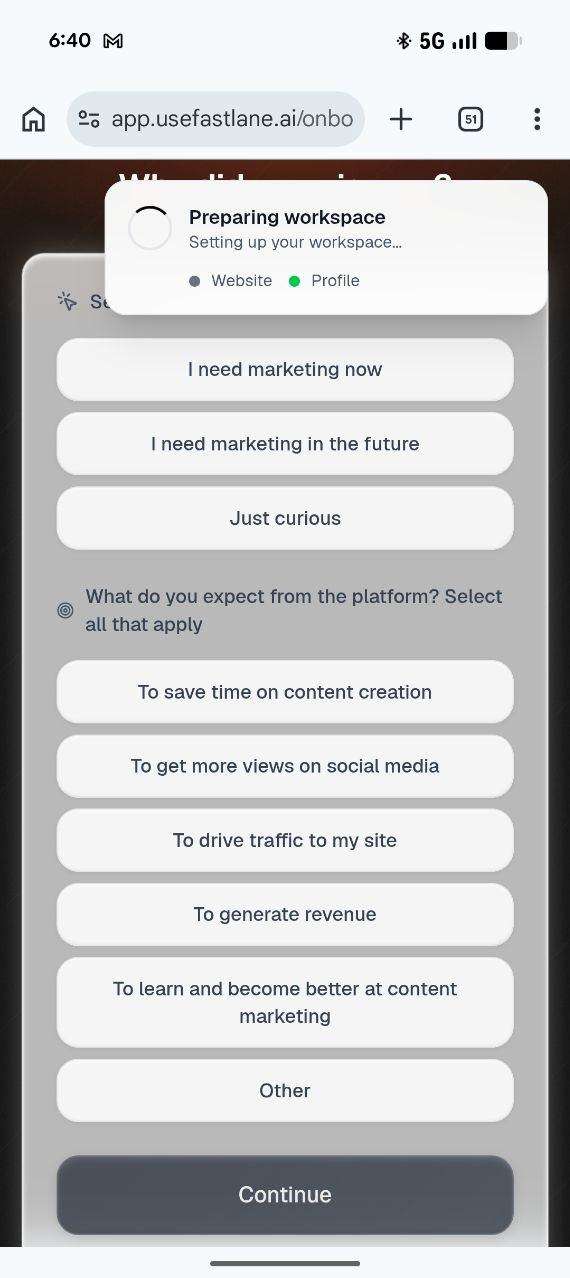
Fastlane UX Audit: Bugs and Brand Drift Undercut a Strong Idea
Fastlane
 SaaS (web)
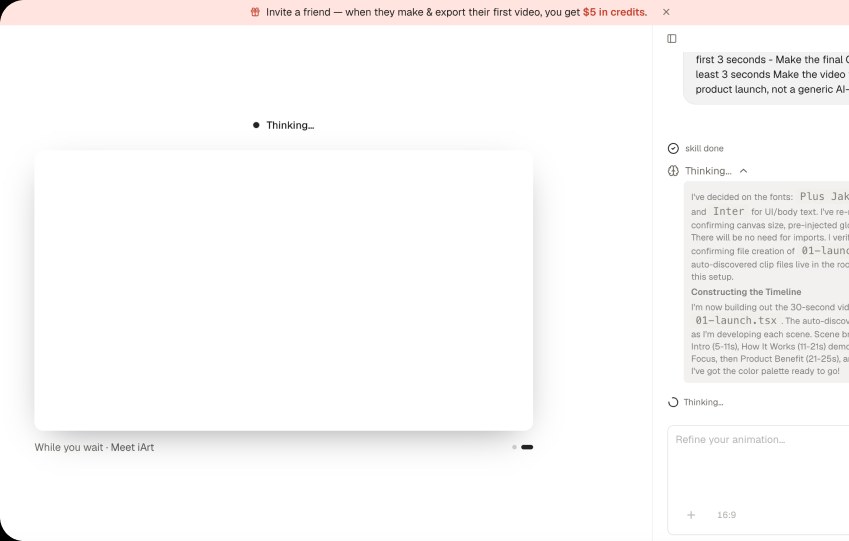
iArt.ai UX Audit: Uncertain Generation and Hidden Limits
iArt.ai
 SaaS (web)
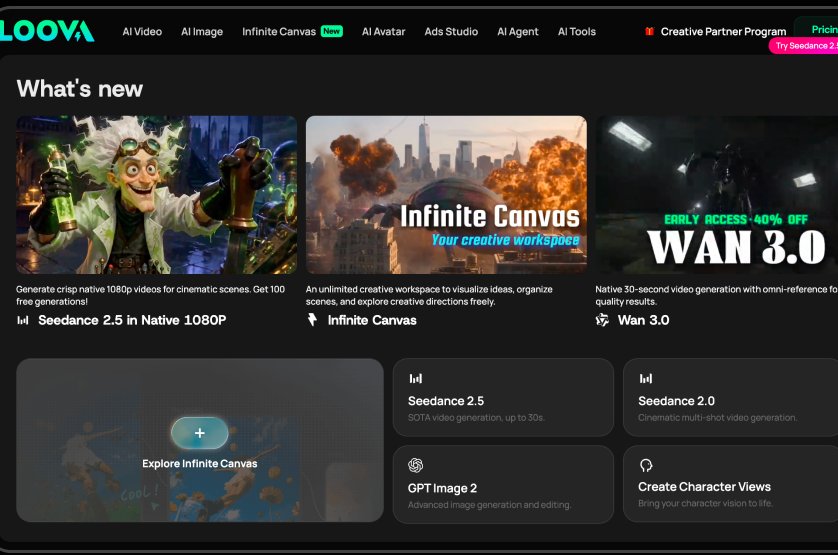
Loova UX Audit: Too Many Options, No Clear First Step
Loova
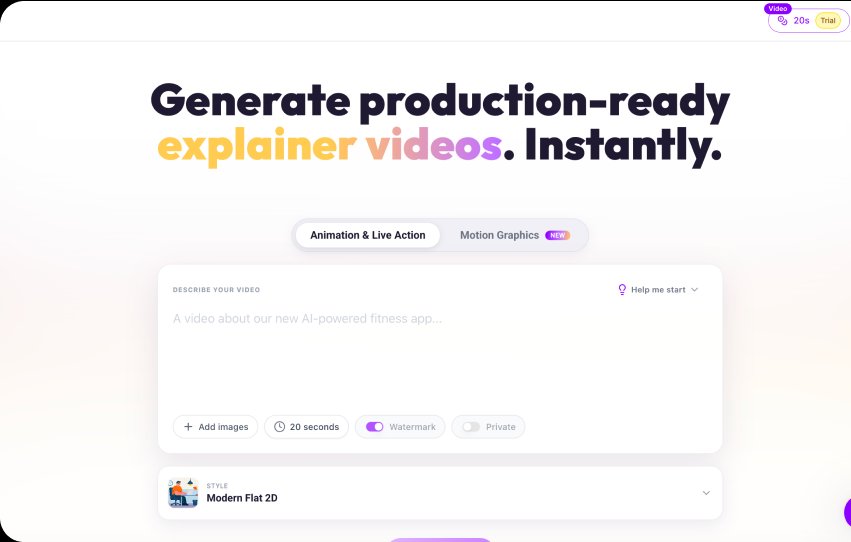 SaaS (web)
Lunair UX Audit: Speed Promises the Product Can't Keep
Lunair
 SaaS (web)
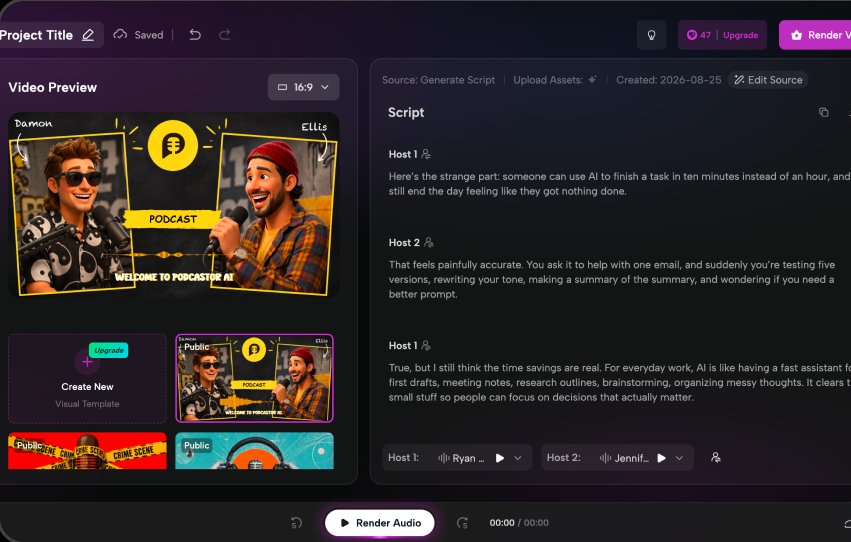
Podcastor UX Audit: An Unclear Workflow and Hidden Costs
Podcastor
 SaaS (web)
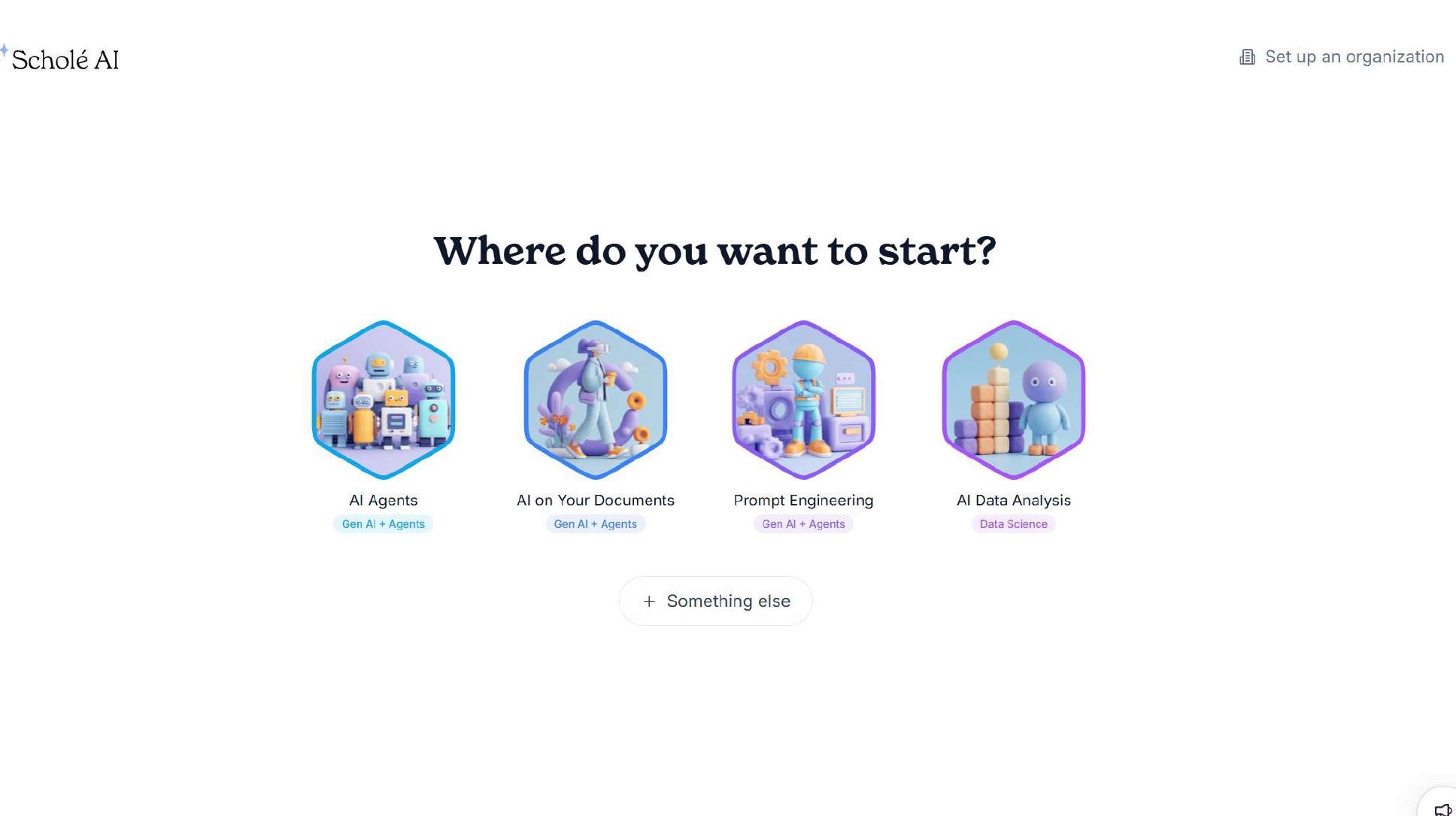
Scholé AI UX Audit: Playful Visuals for a Serious Platform
Scholé AI
 SaaS (web)
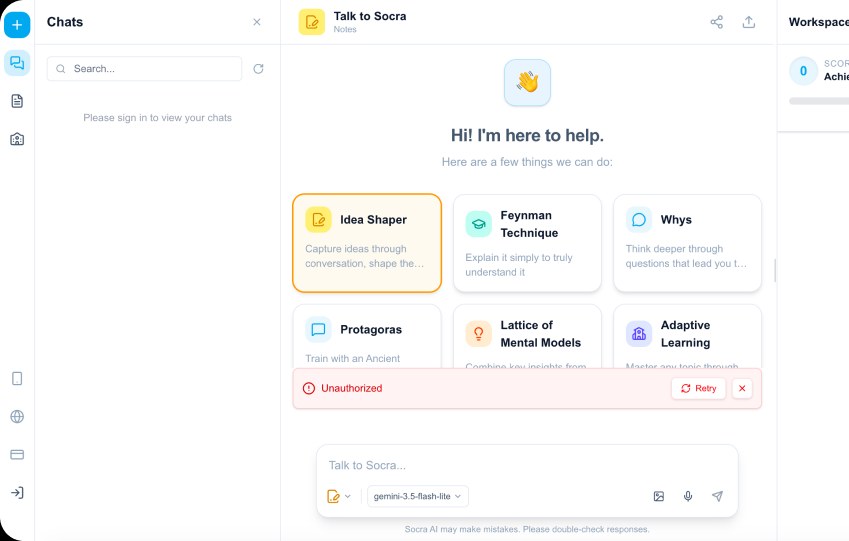
Socra UX Audit: A Broken Login and Dead-End Suggestions
Socra
 SaaS (web)
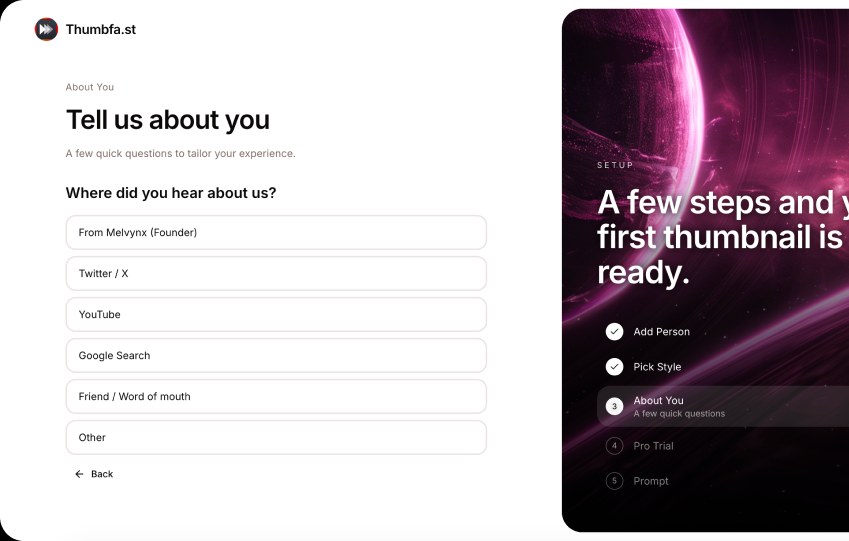
Thumbfa.st UX Audit: A Dashboard With No Clear First Step
Thumbfa.st
Want this for your own product?
If you already know which kind of audit you want, jump straight to our website UX audit, mobile app UX audit, UI audit, or accessibility audit page for the details, or start from our UX audit services overview if you're not sure which one fits.
What it costs
The initial audit is free, whether or not you've seen an example first. If you'd like our team to help implement the fixes, that follow-on work is scoped and quoted separately, based on what you need.
Frequently asked questions
Are these audits for real clients of yours?
No. We picked these products ourselves and were not hired by any of them — nothing here reflects a paying engagement, and none of it happened at a client's request.
Why does one example list two findings and another list five?
Findings count reflects how much we happened to flag in one look at that specific product, not a fixed package size — it isn't a measure of how thorough a commissioned audit of your product would be.
Can I get the full audit of one of the products in these examples?
No — we only audit a product for its own team, working from their goals and access, not for someone else looking in from outside. If you run something similar, send us yours instead.
How is this different from the audit I'd actually get?
A commissioned audit is scoped to your product specifically — the pages or screens that matter to you, checked against the goals you tell us about — rather than whatever we could see from outside without an account or a briefing.
Ready to see this for your own product?
Book a slot and send a link to your website or app. We’ll review it before we meet, then walk you through a PDF report in the same problem-by-problem format described above — completely free.
Book your free UX audit